

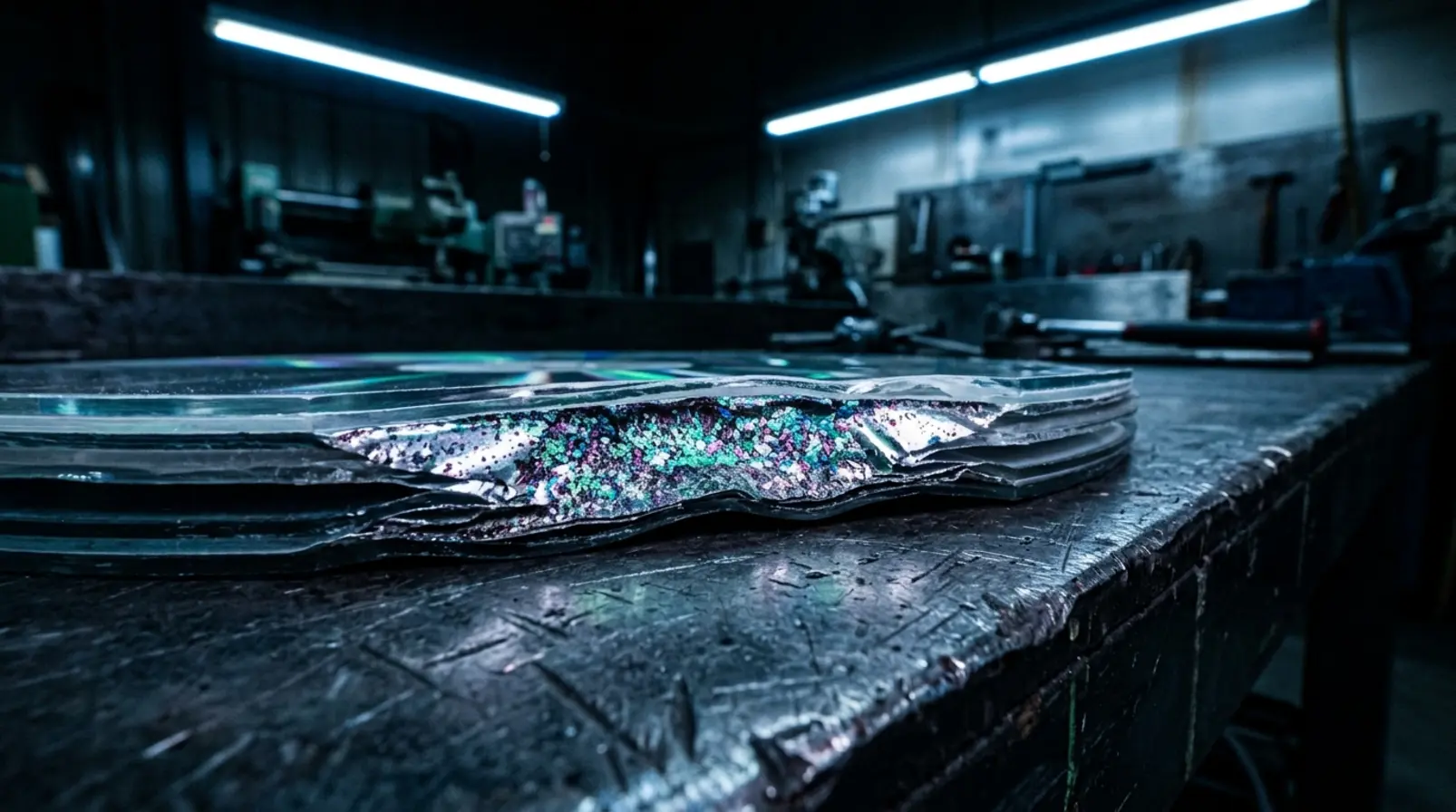

A LaserDisc can emerge from its sleeve looking perfectly preserved, then fill a television screen with flickering colored speckles. The damage may have little to do with scratches, handling, or the number of times the movie was played. It can originate in the materials used to manufacture the disc decades earlier.
The problem is called laser rot, although the laser isn’t responsible. According to the University of Illinois Preservation Self-Assessment Program, deterioration of the thin aluminum reflective layer inside a LaserDisc can reduce playback quality and eventually make the recorded signal irretrievable.
For collectors, this gives an otherwise obscure piece of manufacturing history practical importance. Two copies of the same movie, in apparently identical packaging, may have come from different pressing plants. Knowing where a disc was made can be more useful than knowing how old it is.
How LaserDisc Rot Works
A standard LaserDisc measures approximately 12 inches across, the same diameter as an LP. Its construction is considerably different. The format uses acrylic substrates, a thin reflective aluminum layer, and adhesive bonding the two sides together. The laser reads the recorded information through the plastic, with video typically stored as an analog signal.
That bonded construction creates a vulnerability. The University of Illinois preservation guidance identifies impurities in the adhesive or aluminum layers as typical causes of laser rot. A compromised protective seal can also leave the aluminum vulnerable to oxidation. As the metal’s reflective properties change, the player has increasing difficulty recovering the recorded signal.
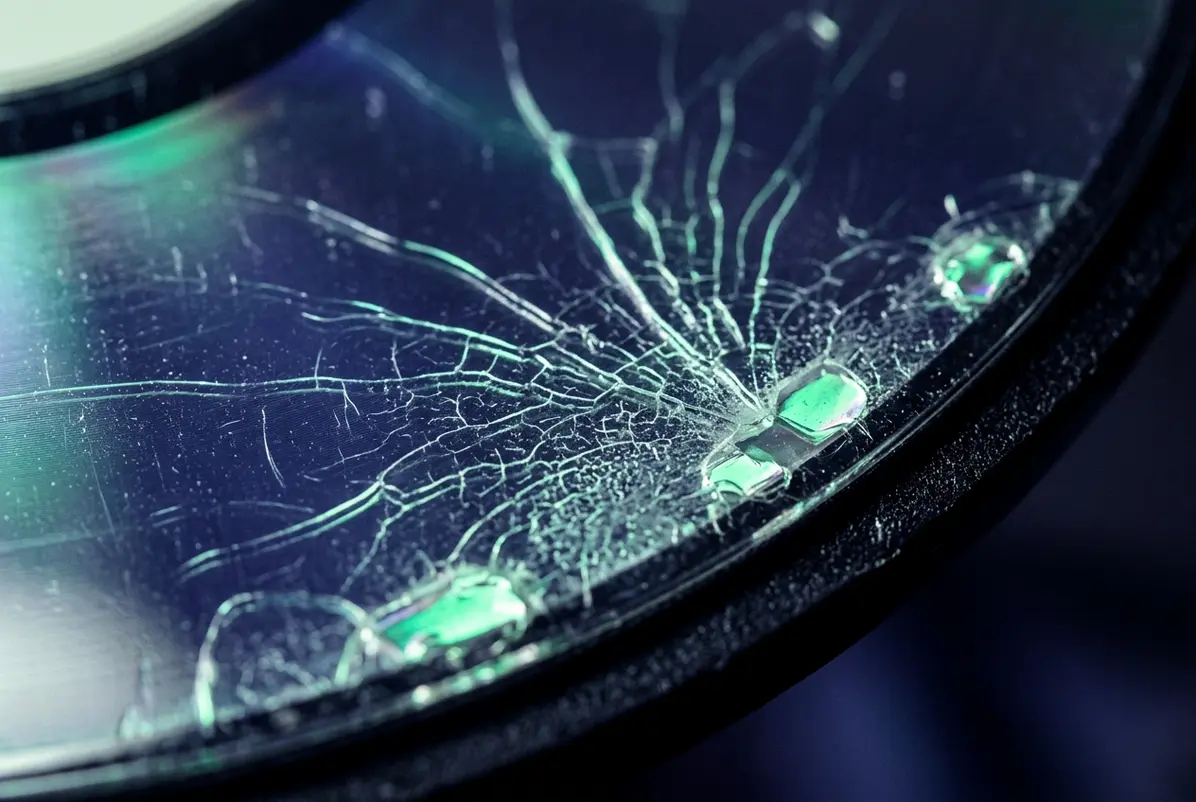
During playback, the deterioration can produce randomly appearing colored speckles, picture noise, and audio problems. In advanced cases, the disc may become unwatchable. Physical signs can include cloudiness or milky-white crazing, but the absence of visible damage offers no guarantee.
Not every noisy picture is evidence of rot. Poorly manufactured discs could show playback defects before deterioration began, while surface contamination and player problems can produce their own symptoms. Collectors were already distinguishing these faults in discussions from October 1996. The defining concern was deterioration over time, rather than an isolated glitch or an image that had always looked bad.
Why LaserDisc Pressing History Matters
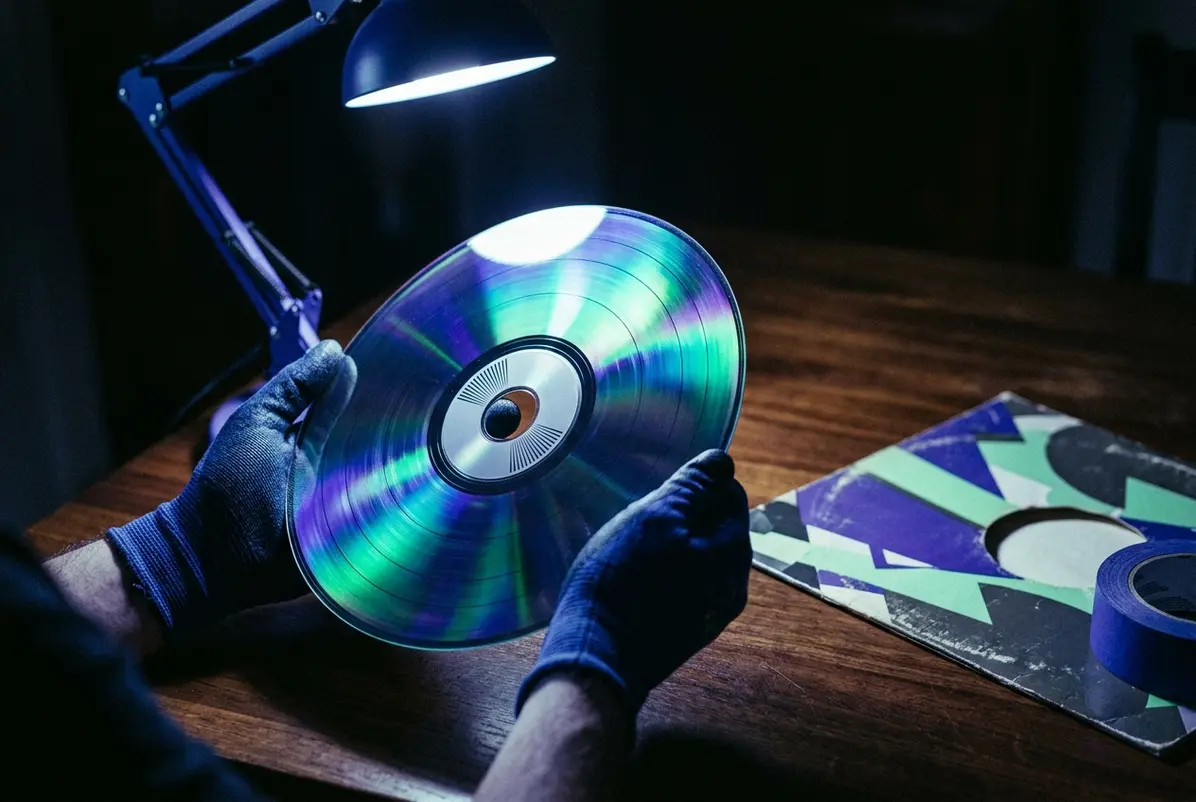
Laser rot was a concern while LaserDisc was still an active format. By January 1994, collector Bob Niland had published a detailed guide to identifying LaserDisc manufacturers through their mint marks, the small production markings on the discs themselves.
His guide explained a complication that remains important when buying used LaserDiscs: manufacturers could change between production runs, and multiple factories sometimes worked on the same release. Even editions of a movie using different playback configurations, such as CAV and CLV, might come from different manufacturers despite sharing the same distributor.
The sleeve therefore tells only part of the story. The markings around the disc’s inner area can help identify its manufacturing origin, much as record collectors examine the runout markings on vinyl.
That distinction matters because rot complaints have not been distributed evenly across every pressing. Tedium’s 2017 examination of disc rot described Sony’s DADC plant in Terre Haute, Indiana, as a recurring target of collector complaints. DADC became strongly associated with problematic LaserDiscs in enthusiast accounts, although those accounts do not establish that every disc from the factory was defective.
Individual titles developed reputations too. In a 2020 MEL Magazine interview, one collector singled out Air Force One as particularly notorious for laser rot. That is useful testimony about collector experience, not evidence that every copy of the film will deteriorate.
Collectors were compiling lists long before modern databases made them easy to search. In January 1997, enthusiast Robert Cook circulated a laser rot report assembled from personal experience and other collectors’ submissions. It included titles with multiple complaints, but Cook warned that the numbers could not establish failure probabilities because he did not know how many copies of each title had been sold.
That limitation still matters. The LaserDisc Database tracks reported rot problems, helping collectors recognize troublesome releases and investigate pressing variations. But a collection of voluntary reports is not a controlled survey. Popular titles may attract more reports simply because more people own and discuss them, and different pressings can complicate the results.
The most useful approach is to investigate a specific edition, compare available mint-mark information, and ask whether the actual disc has been tested. Pressing history provides a warning system, not a diagnosis.

Storing LaserDiscs Against Laser Rot
Storage remains important, even when the original manufacturing quality is beyond an owner’s control. The University of Illinois preservation program recommends keeping optical discs upright in protective, chemically stable enclosures, away from contaminants and environmental extremes. Its ideal archival temperature range is 45 to 54 degrees Fahrenheit, with 55 to 68 degrees listed as acceptable, and relative humidity between 30 and 50 percent.
Those are preservation targets rather than a guarantee against deterioration. For collectors without specialized archival storage, the practical priorities are a cool, stable environment, protection from moisture and excessive heat, and careful handling by the center hub and outer edge. The guidance also favors metal storage cabinets over wood for archival collections.
Playback testing is equally important. The preservation program cautions that optical media can appear normal while producing degraded sound or images. A questionable disc should not automatically be condemned as rotten, since player alignment and mechanical condition can also interfere with LaserDisc playback.
Cleaning may address fingerprints or surface contamination, but it cannot restore aluminum that has chemically deteriorated inside the disc. Valuable or unique recordings deserve preservation attention while a usable signal remains.
Laser rot adds an awkward condition to collecting a format celebrated for its substantial packaging, widescreen presentations, and physical presence. A pristine jacket, an unscratched surface, and an original factory seal can all survive while the recorded image deteriorates. Sometimes the most revealing part of a collectible LaserDisc is neither its cover nor the movie it contains, but the tiny manufacturing marks surrounding the center hole.
Frequently Asked Questions About LaserDisc Rot
Can LaserDisc rot be fixed?
Oxidation of the internal aluminum layer cannot be reversed through ordinary cleaning or polishing. A disc with mild deterioration may remain playable, but severe damage can make its signal irretrievable. The University of Illinois recommends prioritizing valuable or unique LaserDisc material for preservation reformatting.
What does LaserDisc rot look like?
Possible signs include cloudy or discolored reflective areas and milky-white crazing that resembles a spiderweb. During playback, laser rot can produce randomly appearing colored speckles, picture noise, or audio distortion. However, visual inspection is not enough: a LaserDisc can appear undamaged and still have serious playback problems.
Do all LaserDiscs develop rot?
No. Laser rot is a recognized manufacturing and deterioration risk, not an inevitable stage in every LaserDisc’s life. Reports vary by title and pressing, and publicly circulated collector lists do not establish the failure rate of every manufacturing batch. Age and appearance alone cannot determine whether an individual disc has deteriorated.
Does the player’s laser cause laser rot?
No. The term refers to deterioration of the LaserDisc itself, particularly oxidation affecting its reflective aluminum layer. The University of Illinois preservation guidance states that optical discs do not deteriorate through normal replay. A malfunctioning player can cause playback difficulties, but its reading laser is not the chemical cause of laser rot.

'%3e%3cg id='Final-Copy-2_2_' transform='translate(1275.000000, 200.000000)'%3e%3cpath class='st0' d='M7.4,12.8h6.8l3.1-11.6H7.4C4.2,1.2,1.6,3.8,1.6,7S4.2,12.8,7.4,12.8z'/%3e%3c/g%3e%3c/g%3e%3c/g%3e%3cg id='final---dec.11-2020'%3e%3cg id='_x30_208-our-toggle' transform='translate(-1275.000000, -200.000000)'%3e%3cg id='Final-Copy-2' transform='translate(1275.000000, 200.000000)'%3e%3cpath class='st1' d='M22.6,0H7.4c-3.9,0-7,3.1-7,7s3.1,7,7,7h15.2c3.9,0,7-3.1,7-7S26.4,0,22.6,0z M1.6,7c0-3.2,2.6-5.8,5.8-5.8 h9.9l-3.1,11.6H7.4C4.2,12.8,1.6,10.2,1.6,7z'/%3e%3cpath id='x' class='st2' d='M24.6,4c0.2,0.2,0.2,0.6,0,0.8l0,0L22.5,7l2.2,2.2c0.2,0.2,0.2,0.6,0,0.8c-0.2,0.2-0.6,0.2-0.8,0 l0,0l-2.2-2.2L19.5,10c-0.2,0.2-0.6,0.2-0.8,0c-0.2-0.2-0.2-0.6,0-0.8l0,0L20.8,7l-2.2-2.2c-0.2-0.2-0.2-0.6,0-0.8 c0.2-0.2,0.6-0.2,0.8,0l0,0l2.2,2.2L23.8,4C24,3.8,24.4,3.8,24.6,4z'/%3e%3cpath id='y' class='st3' d='M12.7,4.1c0.2,0.2,0.3,0.6,0.1,0.8l0,0L8.6,9.8C8.5,9.9,8.4,10,8.3,10c-0.2,0.1-0.5,0.1-0.7-0.1l0,0 L5.4,7.7c-0.2-0.2-0.2-0.6,0-0.8c0.2-0.2,0.6-0.2,0.8,0l0,0L8,8.6l3.8-4.5C12,3.9,12.4,3.9,12.7,4.1z'/%3e%3c/g%3e%3c/g%3e%3c/g%3e%3c/g%3e%3c/svg%3e) Your Privacy Choices
Your Privacy Choices