

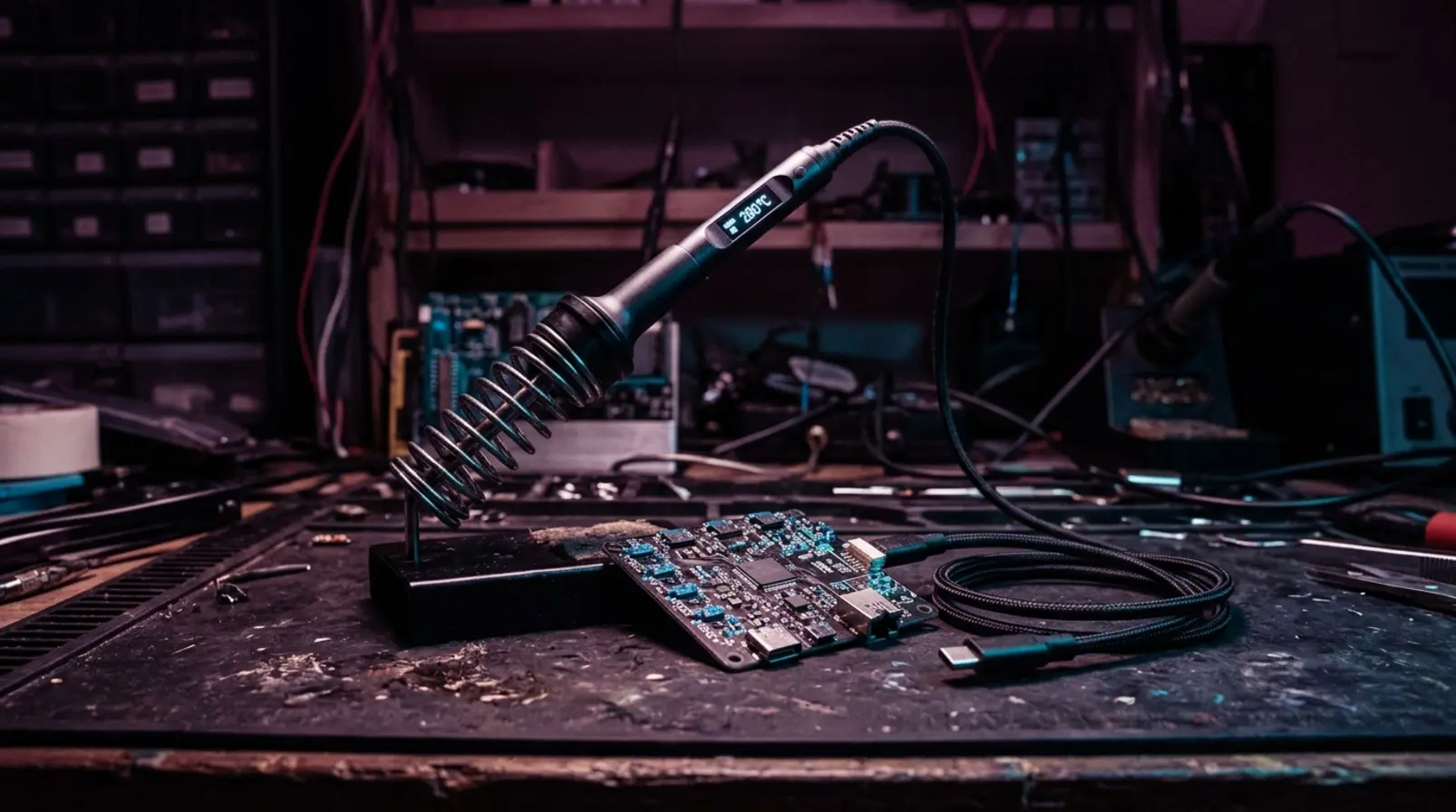

The Pinecil V2 puts a RISC-V processor, an OLED display and a temperature-controlled soldering iron into a tool weighing just 28 grams with its tip installed. The PINE Store lists it at a $25.99 community price, with a $35.99 retail price. It is remarkably capable hardware for the money, but one of its most interesting features came from outside Pine64: open-source firmware originally developed for another manufacturer’s soldering iron.
That firmware, IronOS, has continued gaining features and fixes through community contributions. The Pinecil is a useful example of what happens when an inexpensive physical tool remains open to software improvements long after it leaves the factory.
A Whole Soldering Station Without the Station
Pine64 released the V2 on August 2, 2022, replacing the original Pinecil’s 108 MHz RISC-V processor with a 144 MHz Bouffalo BL706 chip. The new model also introduced a shorter, lower-resistance soldering tip and an increased maximum rated input voltage.
The hardware delivered respectable results. In its 2022 review, Tom’s Hardware measured a rise from 35°C to 350°C in approximately 20 seconds using the included conical tip and a 20V USB-C power source. The V2 also retained compatibility with the original Pinecil’s tips and the longer TS100-style tips.
Unlike a conventional temperature-controlled soldering station, the Pinecil needs no separate control box. It can draw power from a suitable USB-C charger, a compatible power bank or a DC barrel connection. With an appropriate battery setup, it can also work away from an electrical outlet.
The V2’s included short tip helps explain its performance. Pine64 reduced its nominal resistance from approximately 8 ohms on the older, longer tips to 6.2 ohms, allowing greater power draw at the same voltage. That is a physical improvement, independent of the processor or firmware.
The Firmware Was Born Somewhere Else
IronOS began as alternative firmware for the Miniware TS100. Developer Ben Brown, known as Ralim, started the project before it expanded to other soldering hardware. The open-source repository now supports devices from Pine64, Miniware and Sequre, with translations covering 31 languages.
The firmware handles practical jobs: temperature regulation, motion-triggered sleep, temporary temperature boosts, power negotiation and battery-voltage protection. Some of these functions are easy to overlook precisely because they work in the background. An iron that lowers its temperature when left idle, or manages its power source correctly, is more pleasant to use.
The improvements have continued beyond interface customization. The IronOS 2.23 release included changes to Pinecil V2 temperature regulation, fixes for display glitches, revised thermal-runaway detection and more conservative USB power negotiation. Contributors also worked on translations, compatibility with additional devices and Bluetooth settings.
These changes are more consequential than adding another menu option. Better handling of temperature readings and power negotiation can make an existing iron more dependable without requiring its owner to purchase a replacement.
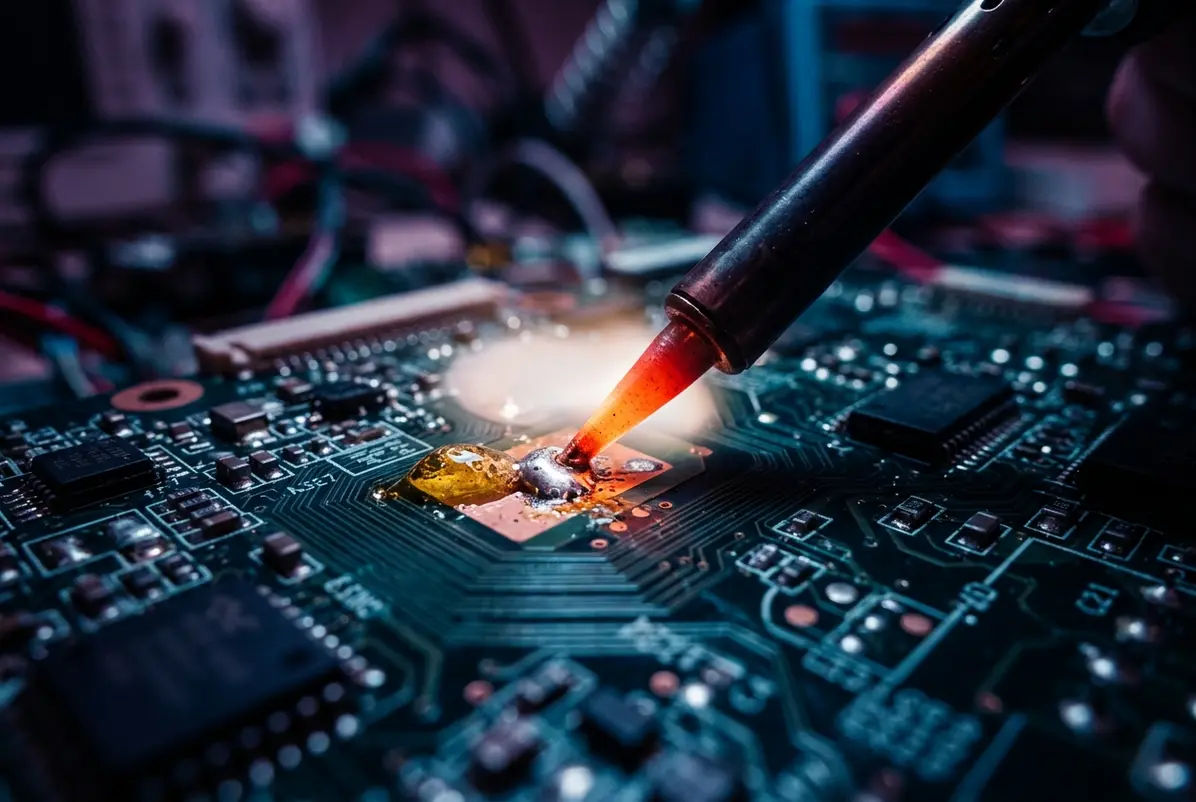
The software has also taken the Pinecil beyond its immediate job. Home Assistant introduced an IronOS integration in release 2024.8, enabling Bluetooth monitoring and control of compatible Pinecil V2 irons running IronOS 2.21 or newer.
With a suitable setup, Home Assistant can monitor the tip temperature, operating mode, input voltage and estimated power consumption. Its documentation even provides an automation that activates a fume extractor when soldering begins and switches it off when the iron returns to idle. What began as firmware for heating a metal tip can now participate in a larger workshop system.
Better Software Still Needs Boundaries
Not every firmware improvement involves enabling more features. IronOS 2.23 disabled Bluetooth by default for security reasons. Owners who want remote monitoring can enable it in the iron’s settings.
Home Assistant also cannot remotely switch on the heater, wake the iron from sleep or install firmware updates over Bluetooth. Those restrictions limit convenience, but they serve a sensible purpose in a device designed to reach several hundred degrees Celsius.
Then there are the physical limits. In the Tom’s Hardware review, the Pinecil performed well on a simple LED circuit but struggled when desoldering USB connector tabs from a Raspberry Pi 3. The reviewer couldn’t free the tabs at 350°C and had to raise the temperature to 400°C. At 450°C, the work went more quickly.
Large copper ground planes and multilayer boards can draw heat away from a joint faster than a small tip can deliver it. Changing the firmware cannot remove that copper or increase the contact area between the tip and the work.
Tip selection matters here. The same reviewer preferred chisel and bevel tips for much of the work, noting that their broader contact surfaces transferred heat effectively while the chisel offered useful precision. The included conical tip is convenient for general soldering, but it is not necessarily the best shape for every joint.
Power delivery adds another variable. Pine64’s specifications list conventional USB-C PD operation at 12V to 20V, while the DC5525 barrel connection supports 12V to 24V. The iron’s officially stated maximum is 88 watts.
The V2 can also negotiate 28V using USB Power Delivery 3.1 Extended Power Range, but Pine64 describes that capability as unofficial. It requires a compatible EPR charger and certified 240W USB-C cable, and current IronOS firmware disables EPR operation by default as a safety precaution. The higher voltage should not be confused with the manufacturer’s official operating rating.
For ordinary soldering, a suitable 20V USB-C PD supply is already useful. The charger’s available output, the cable’s rating and the installed tip’s resistance determine how much power the iron can actually use. A more powerful charger does not automatically produce better solder joints.
Where the Pinecil’s Value Actually Lives
At its price, the Pinecil offers a surprisingly complete temperature-controlled soldering tool, particularly for someone who already owns a suitable USB-C power supply. Additional tips, cables and power equipment can add to the cost, but owners can choose those accessories according to the work they do.
IronOS contributes a different kind of value. Its development is not confined to a single hardware release or even a single manufacturer’s products. Fixes and features developed for one supported iron can become part of a project serving several devices. Older models remain supported even when the maintainers no longer recommend buying them new.
There is something appealing about a modest workshop tool receiving that kind of continued attention. The Pinecil does not need an annual hardware redesign to gain useful improvements, and its low price does not prevent people from taking its software seriously.
It still demands the ordinary knowledge of soldering: choosing the right tip, maintaining a clean contact surface, providing enough power and knowing when a stubborn joint needs more heat than a small iron can comfortably deliver. Community firmware makes the Pinecil more adaptable, but it leaves the essential craft where it belongs, in the hands of the person holding the iron.
Frequently asked questions
What is IronOS on the Pinecil?
IronOS is open-source soldering iron firmware started by developer Ben Brown (Ralim) for the Miniware TS100. It now supports Pine64, Miniware and Sequre irons and handles temperature regulation, motion-triggered sleep, temperature boost, power negotiation and battery-voltage protection, with translations in 31 languages.
Can the Pinecil V2 connect to Home Assistant?
Yes. Home Assistant added an IronOS integration in release 2024.8 that monitors tip temperature, operating mode, input voltage and estimated power over Bluetooth on Pinecil V2 irons running IronOS 2.21 or newer. It cannot remotely turn on the heater, wake the iron or update firmware.
Why is Bluetooth off by default on the Pinecil?
IronOS 2.23 disabled Bluetooth by default for security reasons. Owners who want remote monitoring, such as through Home Assistant, can turn it back on in the iron's settings.
What power supply does the Pinecil V2 need?
Pine64 lists USB-C PD operation at 12V to 20V and the DC5525 barrel input at 12V to 24V, with an official maximum of 88 watts. A suitable 20V USB-C PD charger works well for ordinary soldering.
Can the Pinecil V2 run at 28V?
It can negotiate 28V through USB PD 3.1 Extended Power Range, but Pine64 calls this unofficial. It needs a compatible EPR charger and a certified 240W USB-C cable, and current IronOS disables EPR by default as a safety precaution.
How fast does the Pinecil V2 heat up?
Tom's Hardware measured the Pinecil V2 going from 35°C to 350°C in about 20 seconds using the included conical tip and a 20V USB-C supply.

'%3e%3cg id='Final-Copy-2_2_' transform='translate(1275.000000, 200.000000)'%3e%3cpath class='st0' d='M7.4,12.8h6.8l3.1-11.6H7.4C4.2,1.2,1.6,3.8,1.6,7S4.2,12.8,7.4,12.8z'/%3e%3c/g%3e%3c/g%3e%3c/g%3e%3cg id='final---dec.11-2020'%3e%3cg id='_x30_208-our-toggle' transform='translate(-1275.000000, -200.000000)'%3e%3cg id='Final-Copy-2' transform='translate(1275.000000, 200.000000)'%3e%3cpath class='st1' d='M22.6,0H7.4c-3.9,0-7,3.1-7,7s3.1,7,7,7h15.2c3.9,0,7-3.1,7-7S26.4,0,22.6,0z M1.6,7c0-3.2,2.6-5.8,5.8-5.8 h9.9l-3.1,11.6H7.4C4.2,12.8,1.6,10.2,1.6,7z'/%3e%3cpath id='x' class='st2' d='M24.6,4c0.2,0.2,0.2,0.6,0,0.8l0,0L22.5,7l2.2,2.2c0.2,0.2,0.2,0.6,0,0.8c-0.2,0.2-0.6,0.2-0.8,0 l0,0l-2.2-2.2L19.5,10c-0.2,0.2-0.6,0.2-0.8,0c-0.2-0.2-0.2-0.6,0-0.8l0,0L20.8,7l-2.2-2.2c-0.2-0.2-0.2-0.6,0-0.8 c0.2-0.2,0.6-0.2,0.8,0l0,0l2.2,2.2L23.8,4C24,3.8,24.4,3.8,24.6,4z'/%3e%3cpath id='y' class='st3' d='M12.7,4.1c0.2,0.2,0.3,0.6,0.1,0.8l0,0L8.6,9.8C8.5,9.9,8.4,10,8.3,10c-0.2,0.1-0.5,0.1-0.7-0.1l0,0 L5.4,7.7c-0.2-0.2-0.2-0.6,0-0.8c0.2-0.2,0.6-0.2,0.8,0l0,0L8,8.6l3.8-4.5C12,3.9,12.4,3.9,12.7,4.1z'/%3e%3c/g%3e%3c/g%3e%3c/g%3e%3c/g%3e%3c/svg%3e) Your Privacy Choices
Your Privacy Choices